Eventbrite’s powerful reporting and promotional tools have been essential to track sales trends and engage our audience on their preferred channels. The platform makes it easier to reach the communities we serve.Elsewhere, Brooklyn, NY
Reserved Seating & Seat Maps
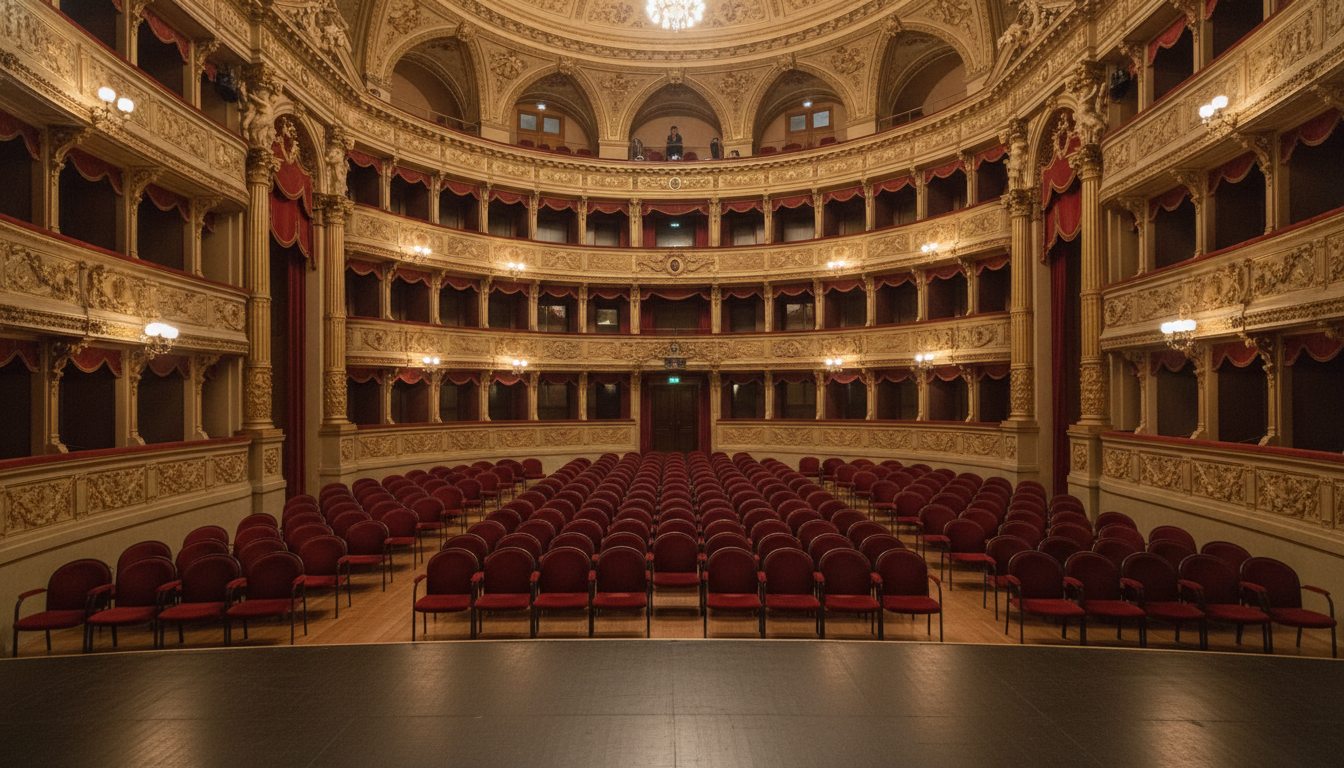
How to set up reserved seating on Eventbrite
Give your attendees the best view in the house by letting them choose their own seats. With Eventbrite, you can create a detailed, interactive map of your venue that mirrors your physical layout, ensuring a smooth and professional ticketing experience from purchase to the final curtain call.
Setting up your venue is straightforward:
Build Your Seat Map: Start by creating a digital version of your venue. Define different sections like orchestra, mezzanine, and balcony, then add rows and individual seats. You can even create spaces for aisles, sound booths, or accessible seating.
Define Ticket Tiers: Assign different price points to different areas. Create multiple ticket types, such as VIP, general, or early-bird, and apply them to your map to maximize revenue and offer choice.
Manage Your Inventory: Easily place holds on specific seats for VIP guests, sponsors, or staff. You can also mix allocated seating with general admission areas for flexible event formats.
Publish and Sell: Once your event is live, attendees can view the interactive map, select their preferred seats, and purchase tickets in a single, easy transaction. They'll receive digital tickets with their specific seat assignments, ready for check-in.
Your command center for allocated seating events
Eventbrite provides everything you need to manage your seated venue, from initial setup to day-of-show operations.
Flexible Seat Maps
Custom Ticket Tiers
Streamlined Attendee Checkout
Why use Eventbrite for reserved seating?
Join the creators who reach a global community of more than 89M monthly average users.
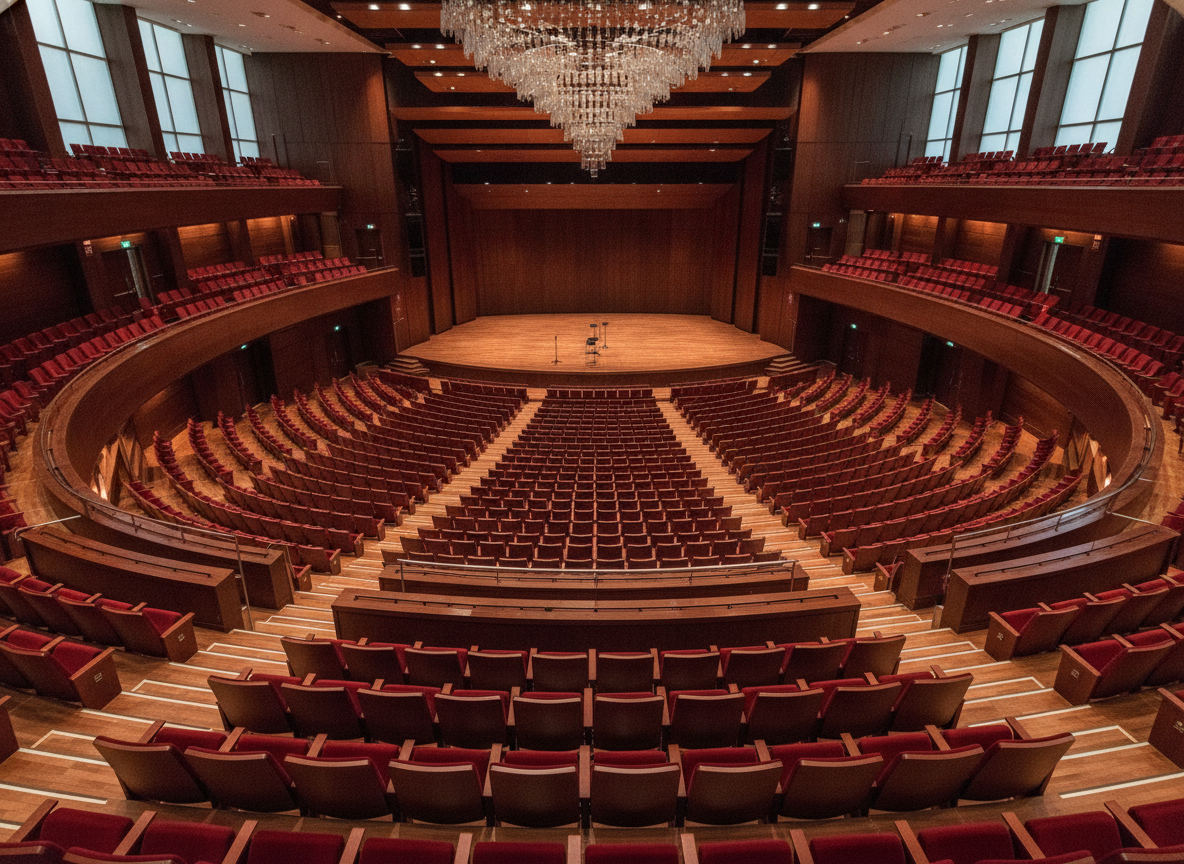
Let Attendees Choose Their Seats
Empower your guests to select their exact seats online. A clear, interactive map improves the booking experience, reduces confusion, and can encourage quicker ticket purchases for premium spots.

Manage Inventory with Ease
Our venue seat map platform gives you full control. Place holds on seats for staff or VIPs, block off sections for production needs, and monitor sales in real time to see which areas are selling fastest.
Integrate Seating with Check-In
Reserved seating works seamlessly with the Eventbrite Organizer app. Scan an attendee's QR code at the door to instantly validate their ticket and see their assigned seat, ensuring a smooth and orderly entry process.
Essential tools for seat map ticketing
From building your map to analyzing your sales, our tools support your event at every stage.

Intuitive Venue Builder
Design your seat map with our easy-to-use tools. Define sections, rows, aisles, and accessible seating to perfectly match your venue's layout.
Tiered Pricing & Ticket Types
Assign different prices to sections or even individual seats. Create custom ticket types like VIP or group discounts to maximize revenue from your reserved seats online.
Real-Time Sales Analytics
Track ticket sales by section and price tier with our reporting tools. Understand your audience's preferences to inform future event layouts and pricing strategies.
Seamless Attendee Check-in
Use the Eventbrite Organizer app to scan QR-code tickets at the door. Quickly validate tickets and guide attendees to their allocated seating.
If you’re using Eventbrite ticketing, Eventbrite Ads is an obvious place for those advertising dollars to go.The Riot Comedy Club
Ultimately what I need is for people to land on the event page. The more views I have, the more likely I am to sell out.Drunk Theatre
Frequently asked questions
Explore more Eventbrite features:
- Free Event Ticketing & RSVP
- Timed Entry & Time-Slot Tickets
- Multi-tier & Early Bird Ticket Pricing
- Group Tickets & Bulk Discounts
- Donation Ticketing & Fundraising Integration
- Waitlist Management
- Membership & Season Tickets
- Instant Payouts for Event Organisers
- Event Payment Processing
- Event Promo Codes & Discount Codes
- Instalment Payments for Tickets
- Event Promotion Tools
- Event Email Marketing
- Eventbrite Event Discovery & Search
- Embeddable Ticket Widget
- Event Check-in App & QR Scanning
- Event Registration & Attendee Management
- Event Analytics & Reporting
- Recurring Events Management
- Custom Event Forms & Questions