Organize Contactless Tap to Pay Events with Eventbrite
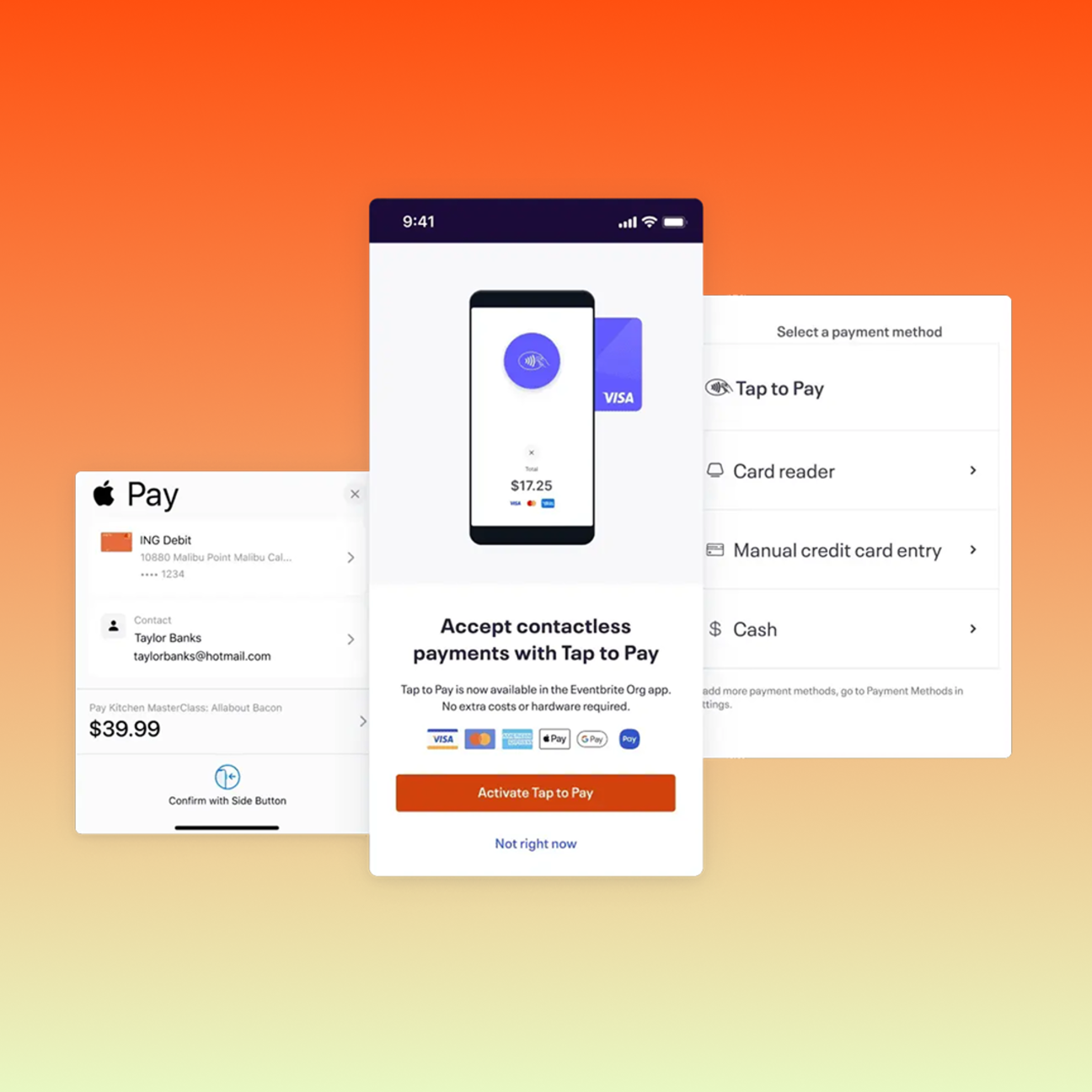
Seamlessly integrated with the Organizer app, Tap to Pay allows you to accept contactless payments at your events in seconds.
What is Eventbrite’s Tap to Pay feature?
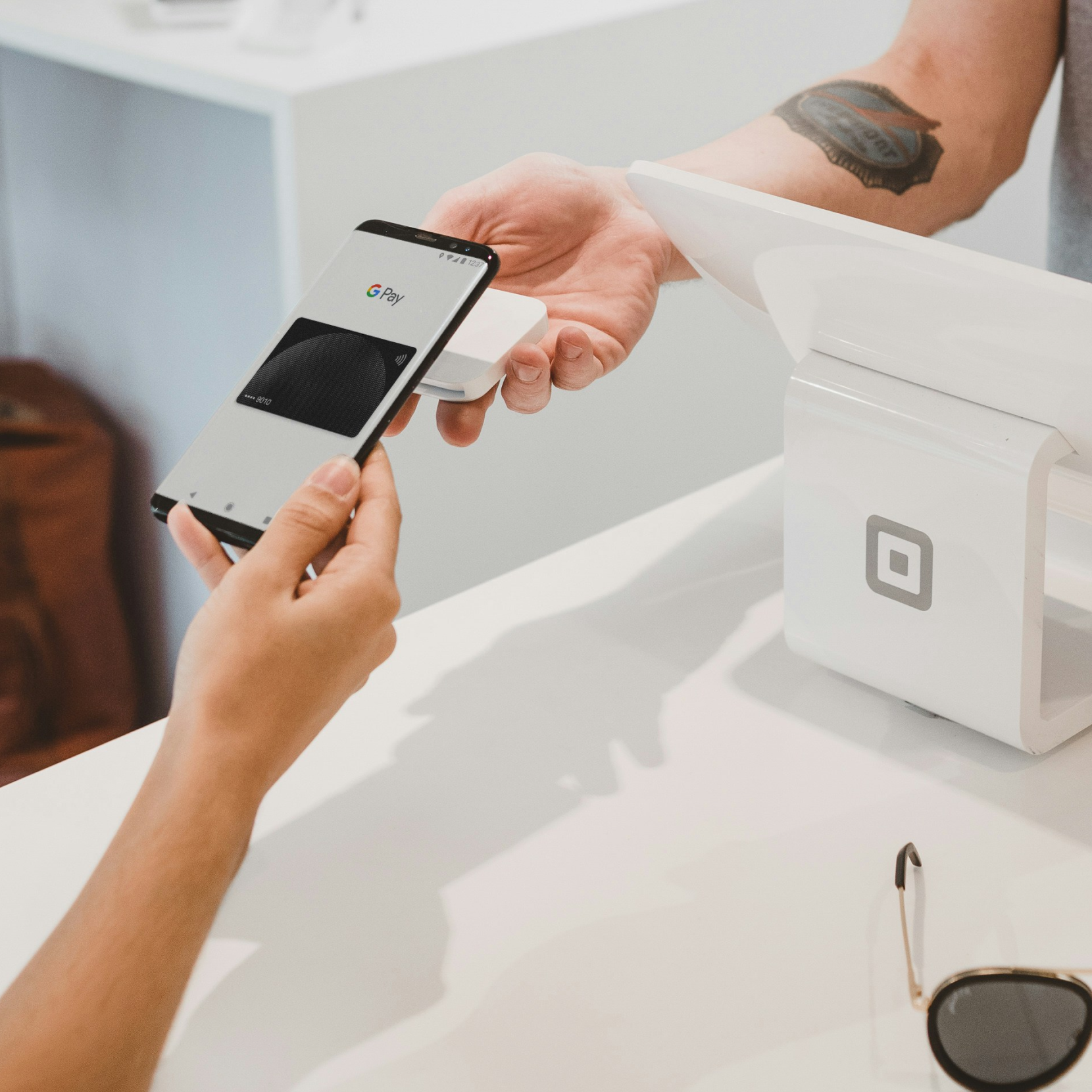
Tap to Pay transforms the event experience — letting attendees breeze through their purchases with a simple tap on their phone.
Accept cashless payments easily
Tap to Pay allows organizers to accept cashless payments at the door (and beyond) in seconds, with no additional costs to you or your attendees.
Maximize revenue opportunities
Whether you’re selling merchandise, drinks, or on-the-door tickets, Tap to Pay simplifies the payment process for attendees, maximizing your revenue opportunities with every guest.
Process payments — all in one place
Tap to Pay is seamlessly integrated with the Organizer app, so all your payments, data and insights are kept in one place.
How to use Tap to Pay
Tap to Pay is right in your Organizer app – that’s part of its charm. It can be set up in minutes once you follow a few easy steps and you can start accepting contactless payments right away.
1. Activate Tap to Pay
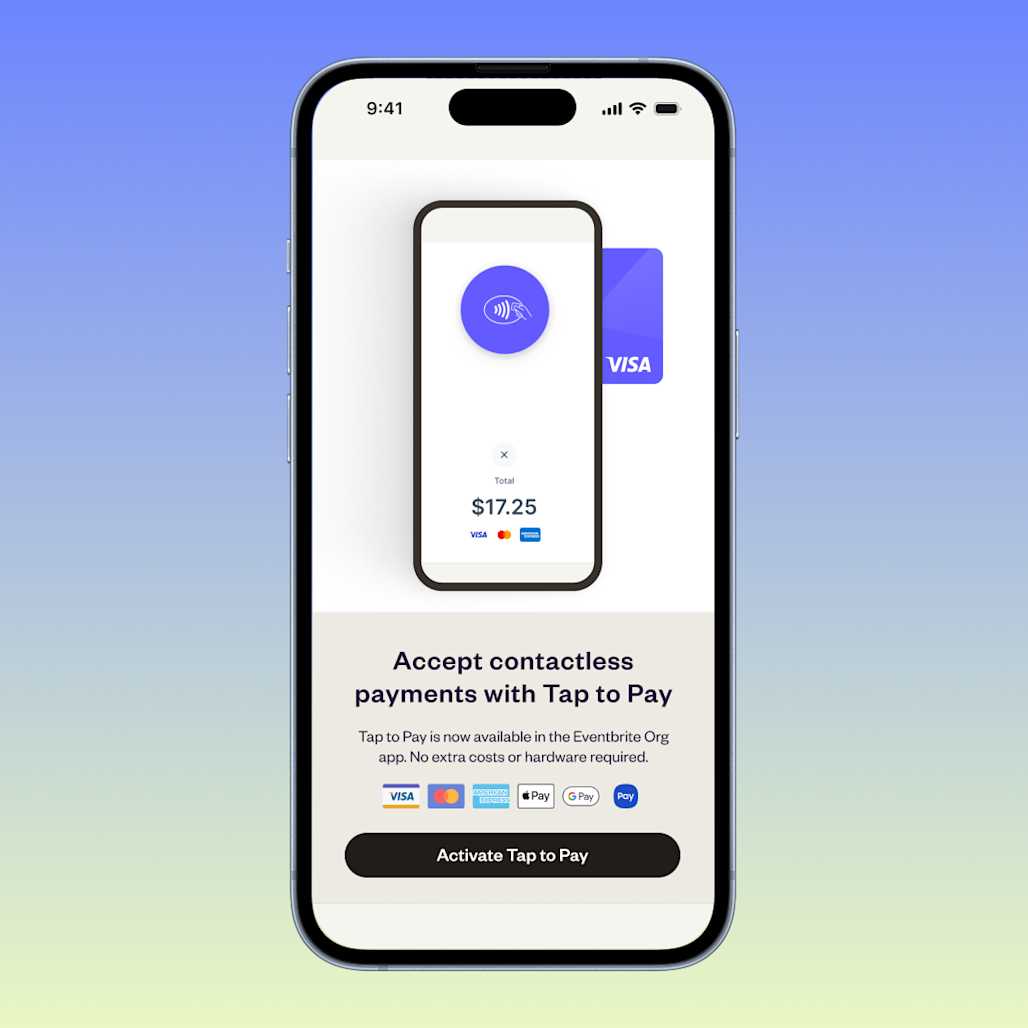
Open your Organizer app, and activate Tap to Pay by tapping the menu button in the top left of the home screen.
2. Select payment method
Go to Device settings, and select Tap to Pay as the event payment method.
3. Start taking payments
Hold the attendee’s payment method to your device. A confirmation screen will appear to confirm the transaction is complete.
Why should I use Tap to Pay for my event?
Tap to Pay makes payments seamless for event organizers — and creates a zero-hassle experience for attendees.
Cashless convenience
The majority of attendees prefer cashless transactions using cards or mobile wallets. Tap to Pay caters to these preferences, making all event payments simpler for your guests.
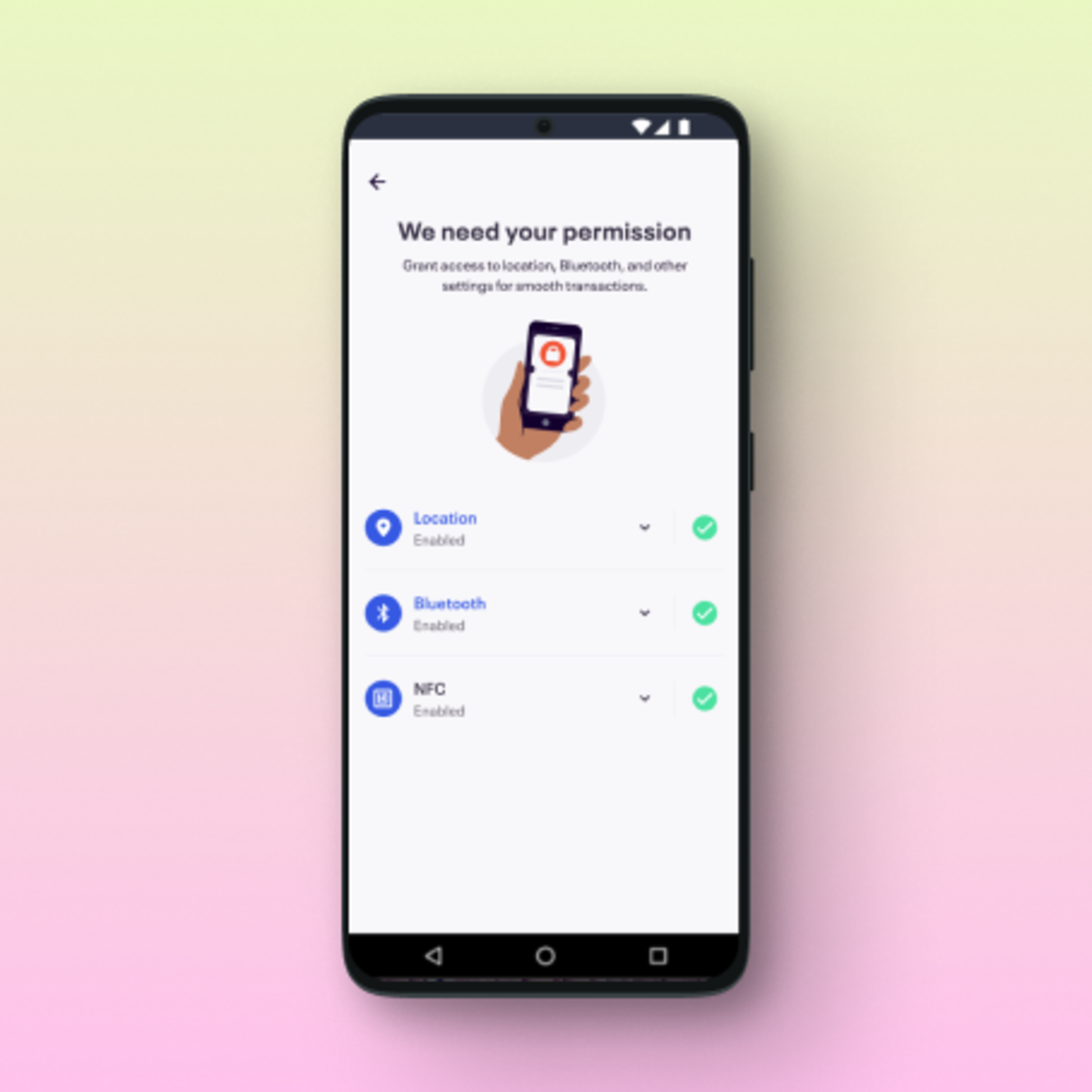
Efficient setup
By eliminating the need for clunky card readers, on-site payments just got a lot faster and cheaper. Contactless payments can be accepted at the door securely through Tap to Pay.
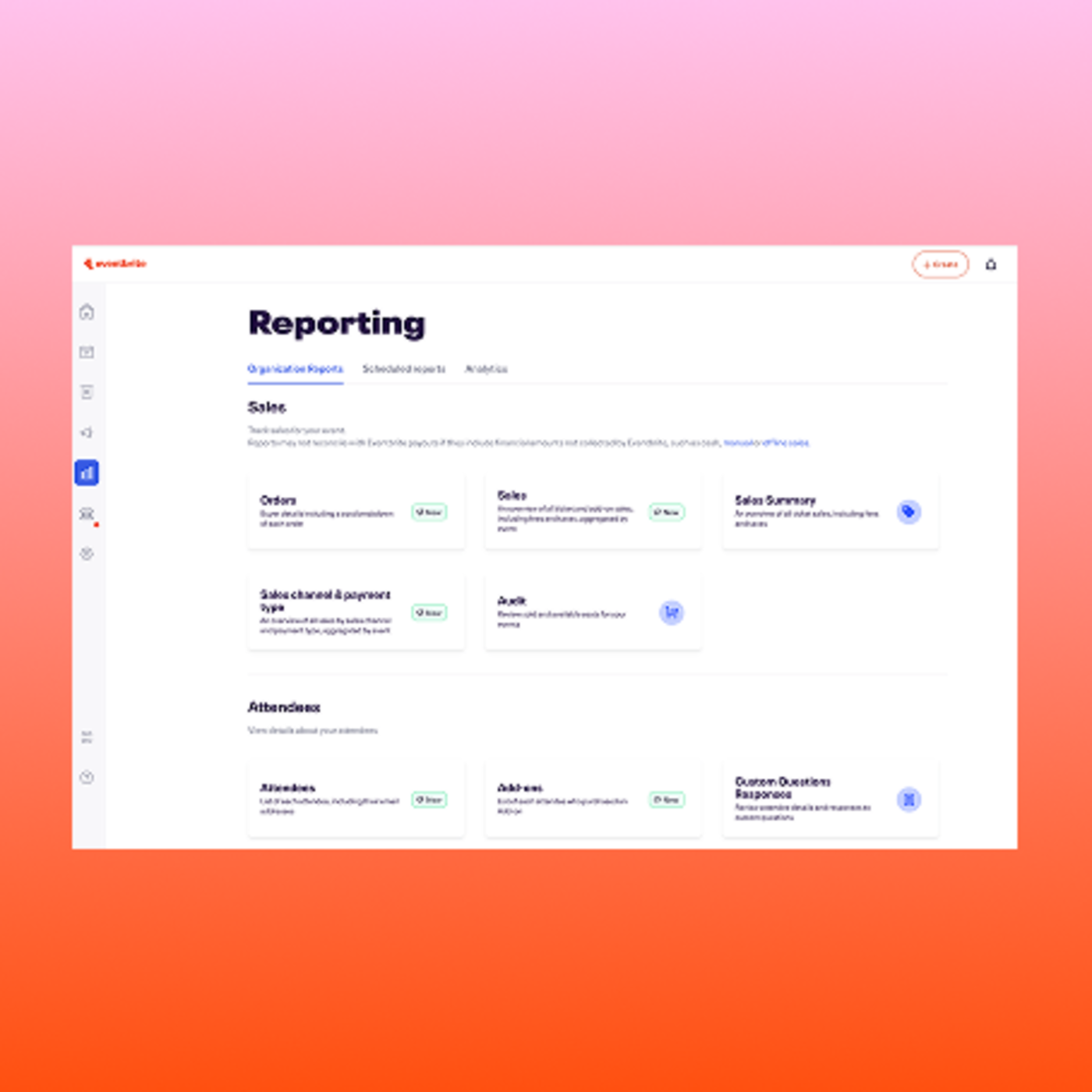
Integrated insights
Data seamlessly syncs with the Organizer app, providing a comprehensive view of transactions — so you can keep track of on-the-day sales, all in one place.
Frequently Asked Questions
Maximize revenue at your next event
Power contactless transactions for your attendees with Eventbrite’s Tap to Pay.